

Built for everyday Canadian spending
See how Klyrr turns spending into clarity
Klyrr helps Canadians see where their money goes. Connect your bank for automatic sync, or add purchases with photos, files, screenshots, or typing — then Klyrr categorizes them, answers questions, and helps you save. Curious first? Ask Chat Klyrr a Canadian money question free. Ready for the full app? Start a 7-day free trial on Solo or Family.
Pick Solo or Family. Both include a 7-day free trial.
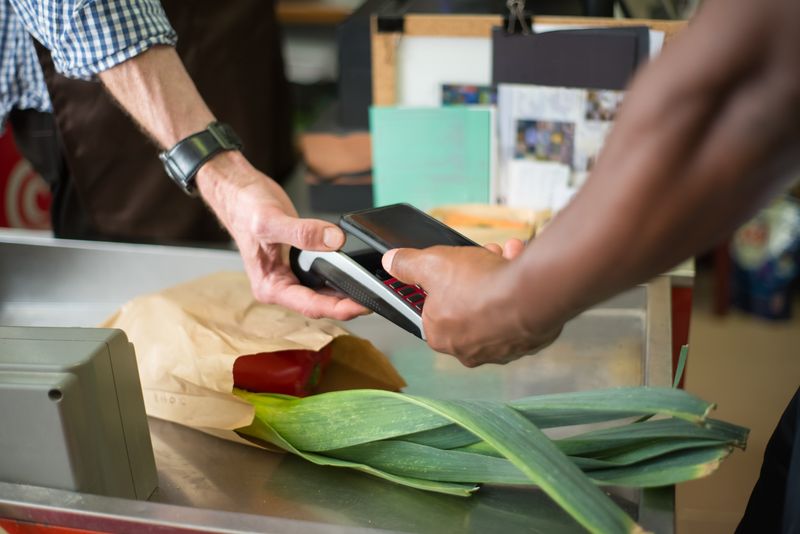
The simple loop
Three steps you can repeat every day. Most of the work is automatic after you capture a purchase.
1. Capture the purchase
Connect your Canadian bank or credit card to import up to 24 months of history and keep transactions syncing automatically. Prefer day-to-day capture? Photograph the receipt before you leave, type the amount, upload a statement, or paste a banking-app screenshot.
2. Let AI organize it
Klyrr reads the photo or file, extracts the merchant and amount, assigns a category and tags, and updates your dashboard. You can always edit anything if the AI got a detail wrong.
3. Ask, budget, and improve
Check where money comes from and where it goes. Ask plain-language questions in the app, try Chat Klyrr for general Canadian money Q&A, set budgets, review subscription alerts, and improve habits with clear AI insights.
Many ways to add your finances
Connect your bank for automatic daily sync — or capture purchases any other way that fits the moment.
Connect your bank
Link chequing, savings, and credit cards from Canada's major banks and most other Canadian institutions. Import up to 24 months of history and stay synced automatically — Klyrr never sees your password.
Receipt photos
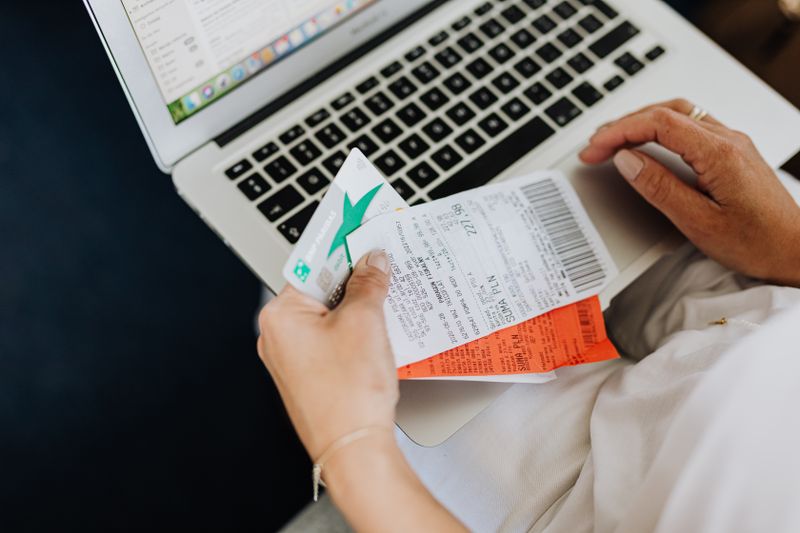
One photo at checkout. AI extracts the store, total, and date so cash spending and in-store purchases stay tracked while they are still fresh.
Bank files and statements
Prefer a file? Upload CSV, Excel, PDF, or statements from TD, RBC, Scotiabank, BMO, CIBC, and others for a bulk history import.
Manual entry & screenshots
Paid cash, tipped, or lost the receipt? Type it in — or paste a banking-app screenshot to catch up quickly.
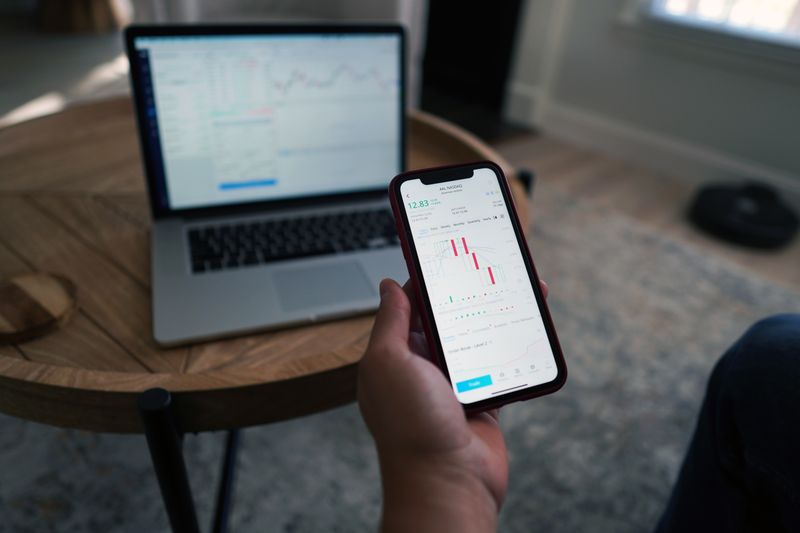
What the AI actually does for you
Not just charts — practical help based on the purchases you already captured.
Smart categorization
Merchants and categories are assigned automatically so you are not sorting rows in a spreadsheet every Sunday.
AI assistant + Chat Klyrr
In the app, ask "How much on groceries this month?" using your real data. Prefer a quick general question first? Try Chat Klyrr free for Canadian personal finance (TFSA, budgets, debt) — bilingual and educational only.
Monthly insights
See clear observations — for example groceries rising versus last month — with practical next steps you can act on.
Subscription detection
Recurring charges are flagged so forgotten streaming apps, trials that converted, or price bumps are harder to miss.
A clear picture of your money
Answer the questions that matter without digging through statements.
Where does it come from?
Track income and transfers in one place so paycheques, refunds, and deposits are not scattered.
Where does it go?
Every expense lands in a category you can review — groceries, fuel, dining, housing, and more.
What should I do next?
Budgets, search, and AI recommendations help you cut waste and keep more month to month.
Budgets that match real life
Set budgets that reflect real Canadian household spending. Track progress month to month, spot overspending early, and share a clear picture with a partner or family — without inventing a second “score” next to your credit score.
Share with your household
On Family, invite your partner or family members into shared finance files.
Everyone captures their own purchases
One person snaps Costco, another gas and parking — the household dashboard stays in sync.
One live view
Stop reconciling separate spreadsheets. Everyone sees the same spending picture and can ask the AI the same questions.
Invite and revoke anytime
You control who has access. Family supports up to 4 users and 4 finance files.

Private by design
Financial data should stay under your control.
Klyrr never sees your bank password
Bank connections use Plaid — your credentials stay with your bank. You can also add photos, typed amounts, or files you upload.
Encrypted and never sold
Data is encrypted in transit and at rest. We do not sell your financial information.
Invite-only sharing
Only you and people you invite can see a file. Remove access whenever you need to.
Made in Canada for Canadians
CAD billing, bilingual English and French, and imports that understand Canadian banks and everyday merchants.
Billed in CAD
Solo and Family plans with clear Canadian pricing and a 7-day free trial — cancel anytime.
English and French
Use the full website and app in either language. Switch whenever you prefer.
Canadian banks and stores
Connect major banks and credit cards — and recognize merchants Canadians actually shop at.
Who Klyrr is for
Pick the plan that matches your household. Both include the same core tracking, in-app AI, and Chat Klyrr during the trial.
Solo
One person, one finance file — for individuals who want clarity without family sharing. Includes the in-app AI assistant and access to Chat Klyrr.
Family
Up to 4 users and 4 files — for couples and households who capture spending together. Everything in Solo, including Chat Klyrr.
Try Klyrr for 7 days
Ask Chat Klyrr a question free, or pick Solo or Family, start your free trial, and capture your next purchase today.
7-day free trial · Cancel anytime · Billed in CAD